What really matters — and what you can safely ignore
When choosing a mechanical keyboard, focus on a few practical factors that affect daily use: switch type (feel and sound), layout/size (how many keys you need), connectivity and build (wired vs wireless, hot-swap), and keycaps. Ignore marketing noise like brand RGB gimmicks, exaggerated polling-rate claims, or “pro” labels unless those features address a specific need.
Decide by use case first: gaming, typing-heavy work, or mixed
Your primary activity narrows sensible trade-offs quickly.
- Competitive gaming: prioritize low-latency wired connection, fast linear switches, compact layout for mouse movement (TKL or 65%), and sturdy build. Anti-ghosting and n-key rollover are standard; don’t overpay for RGB effects.
- Productivity / typing: choose tactile or quiet switches with moderate actuation force, comfortable layout (full-size or TKL with a separate numpad), and PBT keycaps for durability. Low-profile or ergonomic frames help reduce fatigue.
- Mixed use or streaming: a balanced tactile switch, hot-swappable PCB (for later customization), and reliable wireless modes can be ideal.
Switch types and what they feel like
The switch is the single biggest determinant of satisfaction.
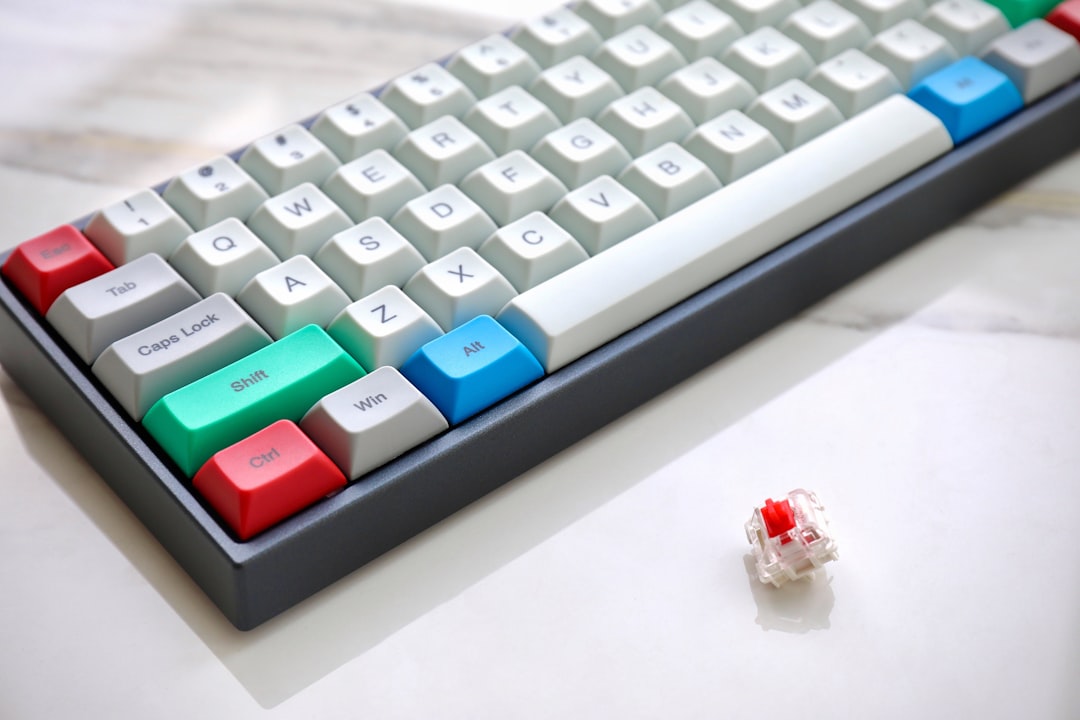
- Linear (e.g., Cherry Red style) — smooth travel, no tactile bump. Favored for fast gaming inputs because of consistent press feel.
- Tactile (e.g., Cherry Brown style) — a noticeable bump on actuation. Good for typists who want feedback without loud clicks.
- Clicky (e.g., Cherry Blue style) — tactile bump plus audible click. Satisfying for some typists, but noisy in shared spaces.
Also consider actuation force (lighter = less finger strain but more accidental presses) and travel distance. Hot-swappable keyboards let you try different switches without soldering, which is valuable if you’re undecided.
Layout and size — what to choose based on desk space and workflow
Keyboard size affects posture, mouse space, and access to keys.
- Full-size (100%) — includes number pad; best if you use spreadsheets or numpad-heavy work daily.
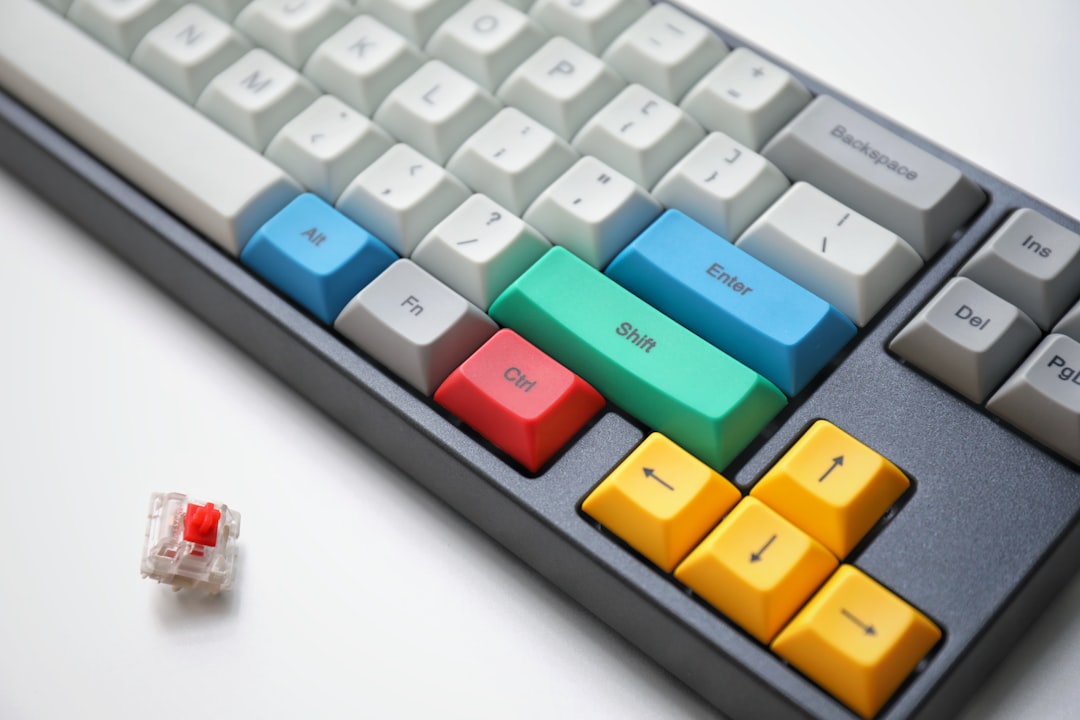
- Tenkeyless (TKL, ~87%) — removes the numpad; gains desk space and a more ergonomic mouse position while keeping arrow keys and function row.
- Compact 75% / 65% / 60% — more condensed; great for minimal desks and portable setups, but often require function-layer combos for navigation keys.
If you frequently use macros or media keys, check whether dedicated keys exist or if you’ll rely on function layers—this affects workflow speed.
Wired vs wireless: reliability, battery life and convenience
Wired gives consistent latency and no battery concerns — the default for competitive gamers. Modern wireless (Bluetooth or 2.4 GHz dongle) can be effectively indistinguishable for everyday gaming and work if the keyboard supports low-latency modes and good battery life.
Choose wireless only if you need cable-free convenience; verify stated battery hours and whether the keyboard works while charging. For multi-device pairing, confirm easy switching between hosts.
Build quality, stabilizers and keycap materials to watch
A keyboard that feels solid will last longer and sound better.
- Case and plate material: aluminum or steel plates feel firmer and can change acoustics; plastic is lighter and cheaper.
- Stabilizers: poorly tuned stabilizers make larger keys rattle. Look for keyboards with factory-clipped/lubed stabilizers or the option to modify them.
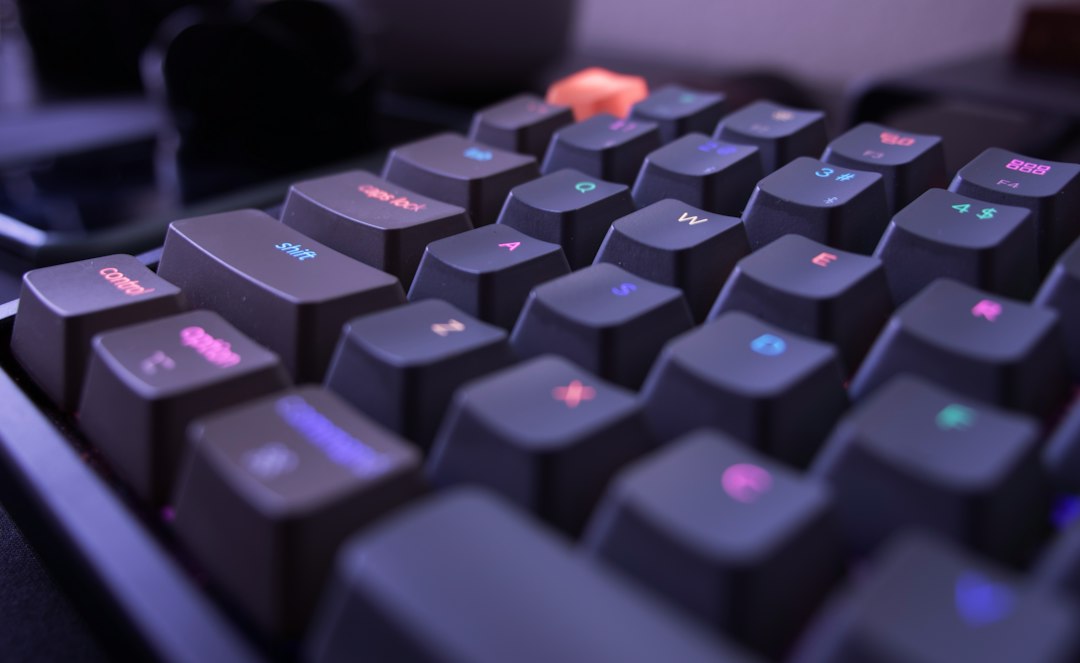
- Keycaps: ABS keycaps wear shiny; PBT is more durable and textured. Double-shot keycaps preserve legends longer.
Features that matter more than flashy extras
- Hot-swap sockets: let you change switches without soldering — excellent for experimenting.
- Programmability and onboard memory: important if you need macros or multiple profiles without software running.
- Detachable USB-C cable: convenient for travel and reduces bench clutter.
- Software ecosystem: check whether the companion software is stable and supports the profiles you need.
When sound matters: quiet options and acoustic mods
If you work in an office or shared space, pick quiet switches, O-rings or foam-damped cases, and PBT keycaps. Plate material and stabilizer tuning also strongly affect noise. Conversely, if satisfying sound is part of the hobby, louder clicky switches and heavier plates can enhance that experience.
Price bands and what to expect
Expect trade-offs by price:
- Under $80: basic mechanical experience, often with cheaper stabilizers and ABS keycaps.
- $80–$160: sweet spot for most buyers—better stabilizers, PBT keycaps sometimes, more reliable firmware.
- $160 and up: premium materials, customizable options, and enthusiast-level build quality.
Product recommendation for common needs
Based on common buyer priorities, here’s one strong pick from our catalog that fits many gaming and mixed-use cases.
The Logitech G413 TKL SE is a compact wired mechanical option that delivers a solid build and consistent linear-oriented switches suitable for gaming while saving desk space—good if you need reliability and a simple feature set without extra bloat.
How to test before you buy (or what to try first)
If possible, try switches in person at a store or order a small switch tester. Test for unintended double-presses, stabilizer rattle on larger keys, and how the keyboard feels during a five-minute typing session. If buying online, check return policy and warranty.
Useful complementary gear
Consider a matching mouse or headset if you’re building a consistent setup. For gaming accessories see our Gaming Mice and Gaming Headsets categories; for broader peripheral choices visit our Mechanical Gaming Keyboards collection and reviews of related controllers in Gaming Controllers.
- Decide primary use: gaming, typing, or both.
- Choose layout (full, TKL, or compact) based on desk space and numpad needs.
- Pick switch family (linear, tactile, clicky) and test one if possible.
- Confirm wired vs wireless latency and battery expectations.
- Look for PBT keycaps and solid stabilizers or modability.
- Verify return policy and warranty for switches and electronics.
A mechanical keyboard is worthwhile when the switch feel and layout match your daily work or gaming habits. Start by choosing the right switch family and layout, then look for build quality and useful features like hot-swap and detachable USB-C. If you need a single strong option for mixed gaming/work use, a compact wired TKL with reliable switches is a safe, versatile choice.
Are mechanical keyboards better for gaming?
Often yes—they offer consistent actuation and durability. Linear switches tend to be preferred for fast inputs, but the best keyboard depends on personal feel and latency needs.
Do I need a hot-swappable keyboard?
Hot-swap is useful if you want to experiment with switches without soldering; not essential if you’re happy with a single switch type.
Is wireless bad for competitive play?
Wired remains the safest pick for top-level competitive play due to absolute consistency, but modern 2.4 GHz wireless with low-latency modes is fine for most gamers.
Which keycap material should I choose?
PBT keycaps are more durable and resist shine; ABS is common on cheaper boards and gets glossy over time.
How important are stabilizers?
Very—well-tuned stabilizers make large keys feel solid and quiet, improving both typing and acoustic quality.