Most people overestimate the importance of max wattage; what actually matters is how the speaker handles real spaces and your routines.
If your intent is to learn how to choose a Bluetooth speaker for home or travel, the first practical answer is: match the speaker’s real strengths to where and how you’ll use it. Size, battery life, durability, and how a speaker projects bass and clarity in a typical room or outdoors matter more than marketing wattage or trendy extras you’ll never use.
Decide the single most important use case
Before comparing specs, choose one dominant use case. A travel commuter, a small-apartment kitchen listener, and someone who wants backyard party sound need different features. Below are the common use cases and the priorities for each.
For travel and packing light
- Priorities: small footprint, light weight, durable housing, at least 10–12 hours of battery, quick charging via USB-C.
- Trade-offs: small speakers sacrifice deep bass and room-filling volume; choose a model with good midrange clarity so voices and acoustic instruments still sound natural.
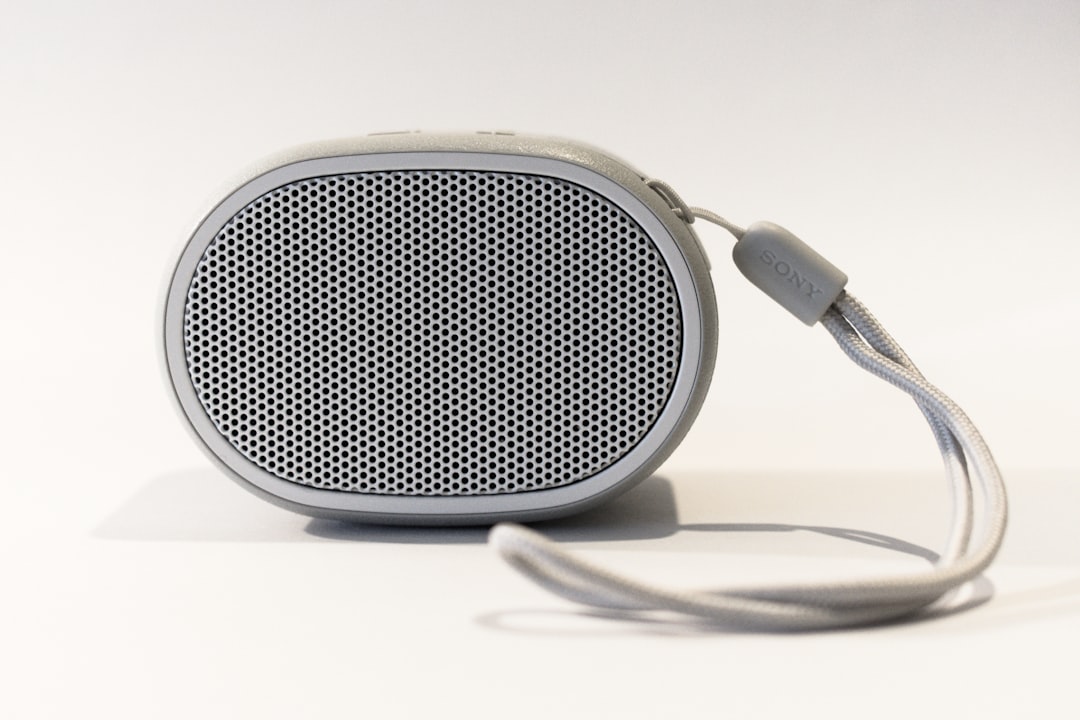
- Look for: flat profile for packing, lanyard or clip, IPX4 or higher if you expect outdoor use.
For home use (kitchen, desk, bedroom)
- Priorities: balanced sound, stereo imaging or true stereo option, stable Bluetooth connection across a room, decent low end for casual listening.
- Trade-offs: larger models give better bass and stage but take more space; consider a compact model with a passive radiator for bass boost.
- Look for: features like multi-device pairing, reliable buttons, or app control for EQ if you want to fine-tune sound.
For outdoor use and small gatherings
- Priorities: higher output (louder without distortion), robust build (IP67 if near water), long battery life, and ideally a handle or strap.
- Trade-offs: rugged outdoor speakers are heavier and pricier; you may not need extreme waterproofing unless you’re boating or poolside.
- Look for: “party” modes or stereo pairing to cover larger areas, and clarity at high volumes so vocals remain intelligible.
Key specs and what they actually mean
Understanding specs prevents bad trade-offs.
- Battery life: Manufacturer claims are useful as a baseline, but real-world time depends on volume. If you want 10+ hours at moderate volumes, pick rated 12–20 hours.
- Wattage: Peak power numbers are marketing; listen for clarity and low-frequency extension instead. A 20–30W well-tuned speaker can sound better than a poorly tuned 50W unit.
- Drivers and passive radiators: More drivers or a passive radiator usually help bass response in small enclosures. Don’t expect subwoofer-level bass, though.
- Bluetooth version and codecs: Bluetooth 5.x gives a more stable connection and longer range. AptX/LDAC help with higher-quality streams, but streaming services and phones must support them to matter.
- IP rating: IPX4 resists splashes; IP67 resists dust and submersion. Choose based on the environments you expect.
- Charging and ports: USB-C is fastest and reversible. Some speakers offer pass-through charging (useful while traveling) or can serve as power banks.
- Aux in and multipoint pairing: Aux input is handy for non-Bluetooth sources; multipoint lets two devices stay connected—useful if you switch between phone and laptop often.
How to judge sound without over-testing
When auditioning, bring a familiar track and listen for:
- Clarity of voices and lead instruments at moderate volume—if vocals blur, small rooms will make them worse.
- Bass definition versus boom. A tight, controlled low end is preferable to a muddy boom that drowns mids.
- Distortion at loud volumes—push to 70–80% and check for breakup; if it distorts early, the speaker won’t scale to gatherings.
When features matter: extras that are actually useful
- Stereo pairing: Useful if you want wider sound at home without buying a much larger speaker—pair two identical units for true stereo.
- Voice assistant and built-in microphone: Handy for hands-free calls, but microphone quality varies. For regular calls, test the mic in a noisy environment first.
- App-controlled EQ: Good apps let you tailor bass or create presets for travel vs home listening.
- Durability and warranty: If you’re rough on gear, prioritize sturdier builds and check the warranty—some brands offer extended support.
Putting it together: two recommended matches
Below are two store-backed options that fit common needs. The first is the default strong match for general use; the second targets travelers who prioritize packability and battery life.
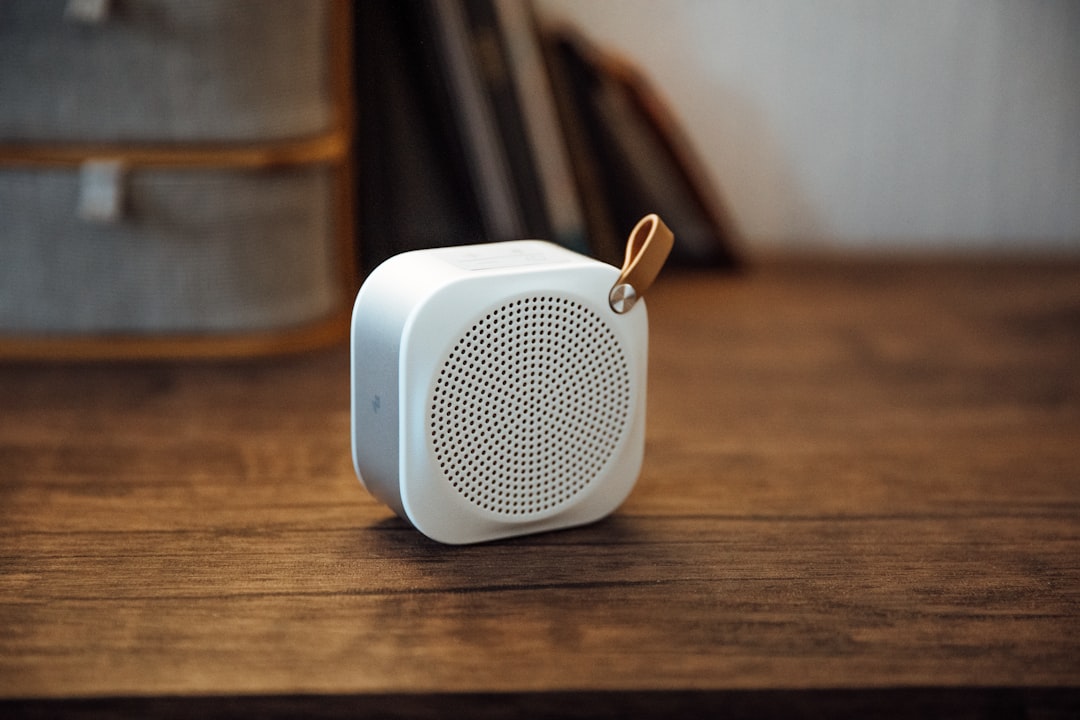
This 20W speaker is a strong local match for home or small outdoor use: it balances size, sound, and usability for typical buyers who want versatility without going heavy. Use it if you want better-than-average mids and low distortion at party volumes.
The Anker soundcore 2 is a compact traveler-friendly option with long battery life and water resistance—pick it if you prioritize packability and all-day playback in varied environments.
Buying checklist before you click “buy”
Quick checks to avoid regret:
- Confirm the actual battery runtime at realistic volumes (not just “up to” times).
- Check the IP rating and whether you need dust protection or full submersion resistance.
- Verify charging type—USB-C preferred—and whether a cable is included.
- Make sure the speaker supports the Bluetooth codecs your devices use if you care about high-res audio.
Additional resources and related guides
If you’re setting up a workspace or need complementary gear, see How to Build a Better Home Office Tech Setup for placement tips, or read How to Choose the Right Power Bank when you want a speaker that can double as charging support. For pairing with earbuds and other personal audio, check How to Choose Wireless Earbuds for Everyday Use.
- Identify one primary use case (travel, home, outdoor party).
- Measure the carrying or storage space where the speaker will live.
- Confirm real-world battery life at moderate volume.
- Verify charging type (USB-C) and included accessories.
- Check waterproofing level for your typical environments.
- Listen for vocal clarity and distortion at 70–80% volume if possible.
Match the speaker’s strengths to a single main use case and prioritize real-world battery, size, build, and sound clarity over headline wattage. For travel choose compact, durable models with long battery life; for home choose models with better low-end control or stereo pairing options.
Do I need a speaker with the highest wattage?
No—wattage numbers are less important than tuning. A well-designed 20–30W speaker can outperform a higher-watt speaker with poor enclosure design or drivers.
Is IP67 necessary for a travel speaker?
Not usually. IPX4 is sufficient for splashes and light rain; choose IP67 only if you expect dust or full submersion risks.
Should I prefer USB-C over micro‑USB?
Yes—USB-C charges faster and is now standard on most phones and chargers, which simplifies travel packing.
Can two different speakers be paired for stereo?
Often not—true stereo pairing usually requires two identical models from the same brand and sometimes the same firmware version.
How much battery life do I really need?
For day trips or travel, aim for at least 10–12 hours at moderate volume; for longer outdoor use, 20+ hours or swappable power options are better.